How to Free Up C: Drive Space on Windows by Cleaning WSL Crash Dumps
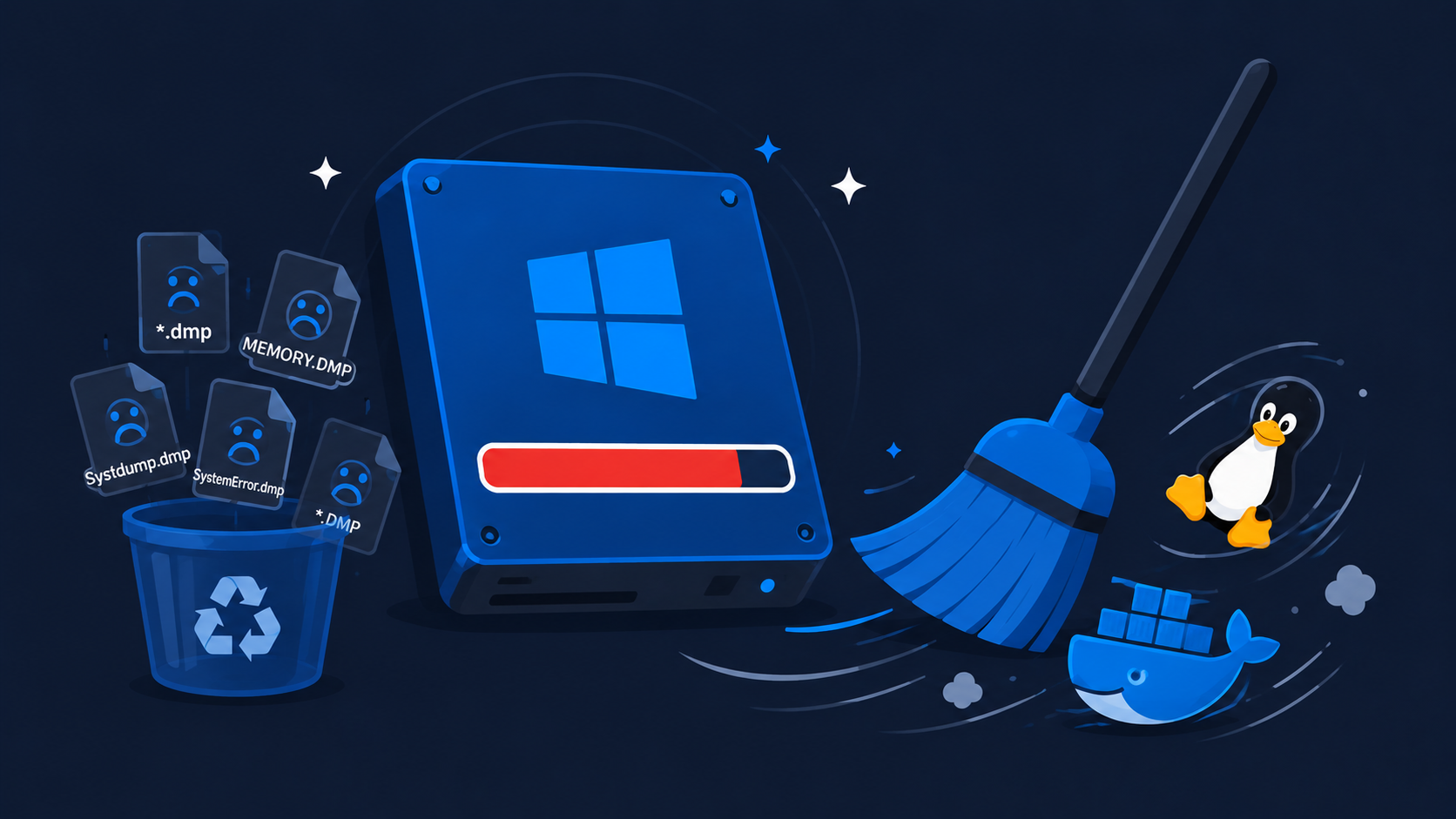
One day your Windows machine is fine. The next, File Explorer shows a red bar and a system … Read more

One day your Windows machine is fine. The next, File Explorer shows a red bar and a system … Read more
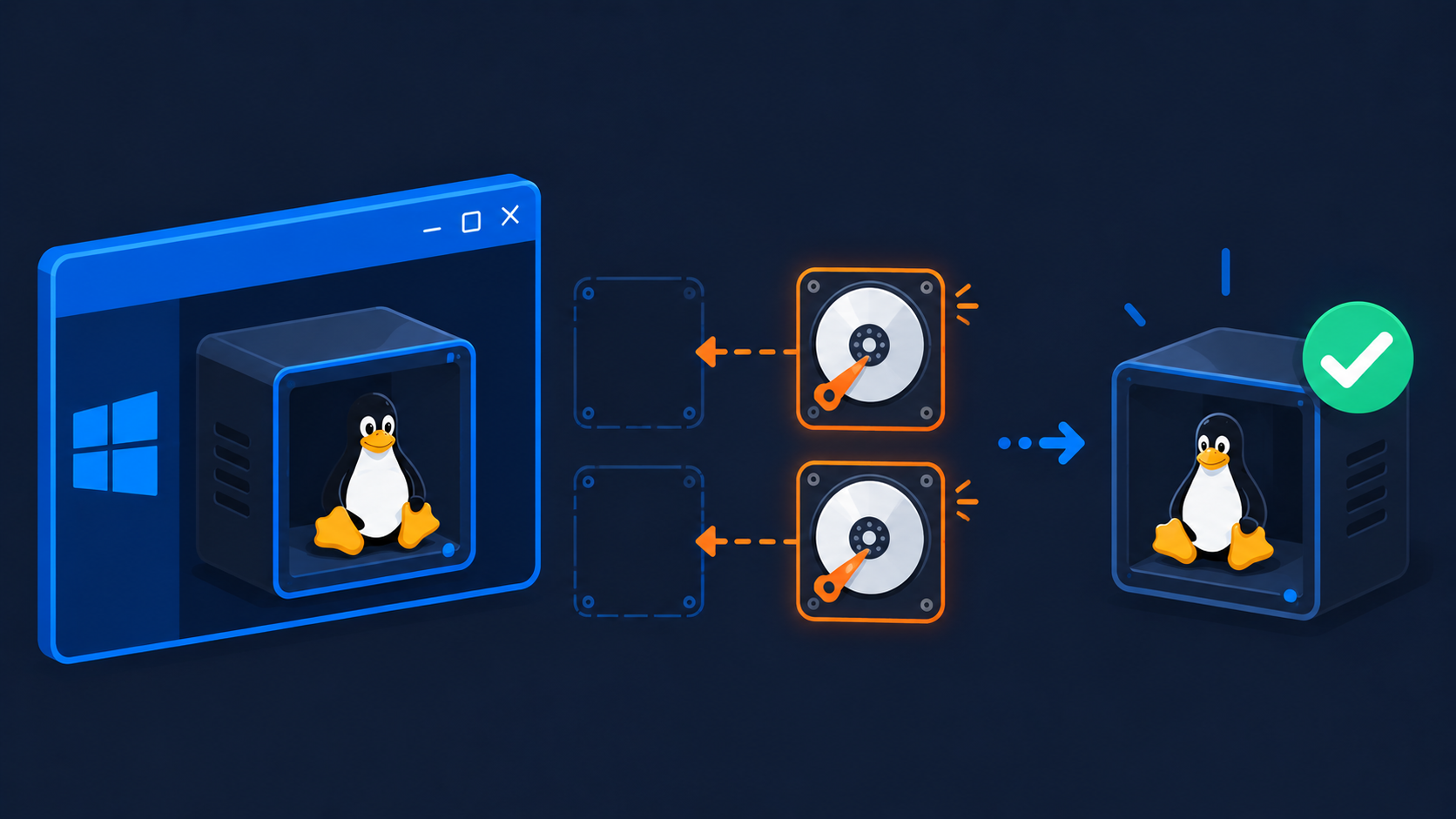
You reboot Windows, open your Ubuntu terminal, and nothing starts. Every distro throws the same wall of text: … Read more
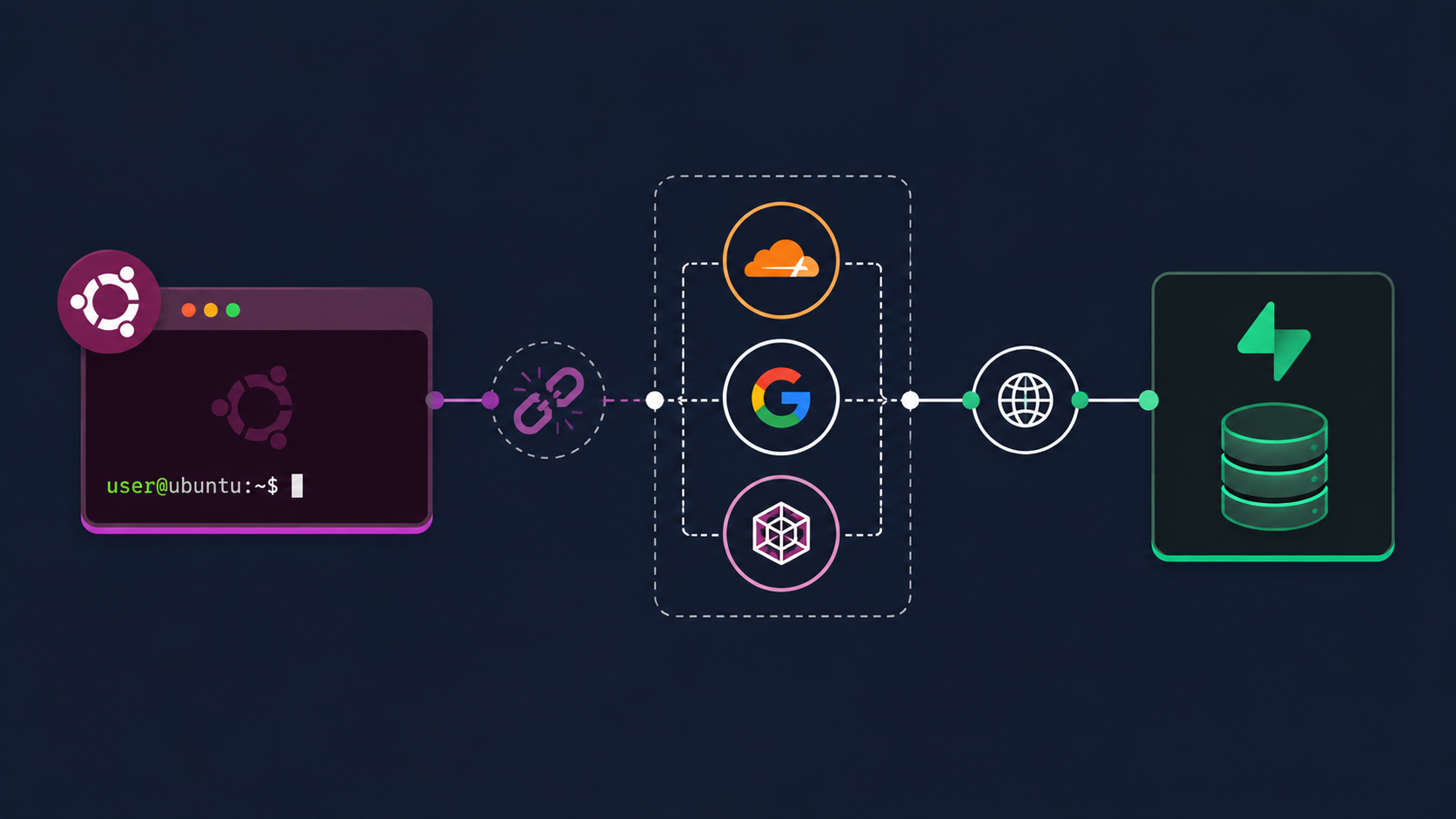
If your Next.js dev server in WSL2 keeps spitting TypeError: fetch failed with UND_ERR_CONNECT_TIMEOUT against your Supabase project … Read more
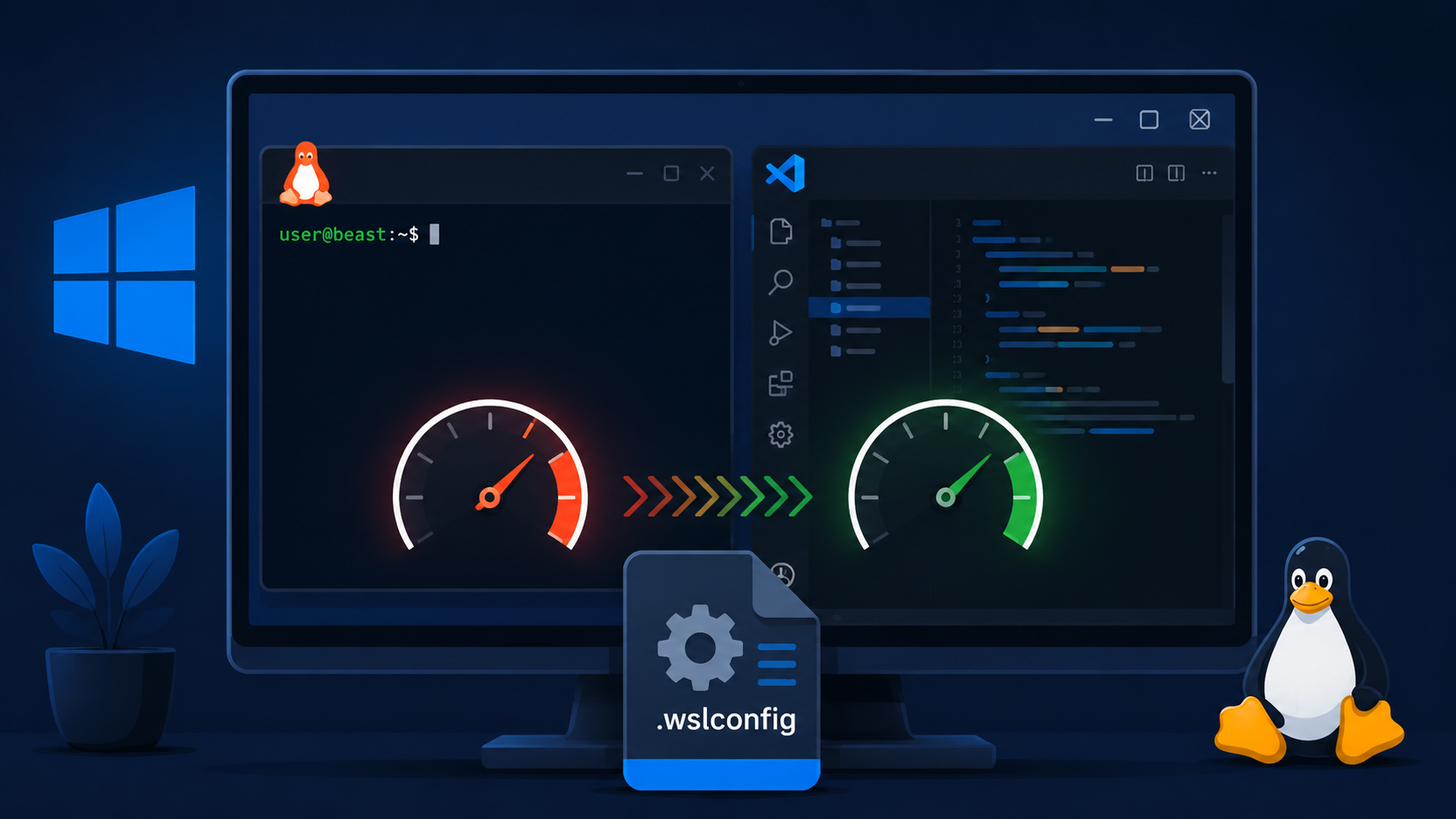
If you run VS Code connected to WSL2 and have AI coding extensions installed (like the OpenAI ChatGPT … Read more

If npm install hangs in WSL2 with a wall of ETIMEDOUT errors against registry.npmjs.org, but Google and most … Read more

Claude Code is a command-line tool by Anthropic that lets you work with Claude directly from your terminal. … Read more

The default WSL Ubuntu terminal is functional, but it doesn’t give you much to work with — no … Read more
If you get “permission denied while trying to connect to the Docker daemon socket” when running Docker commands … Read more

If you see ping: google.com: Temporary failure in name resolution in WSL 2, your internet connection is probably … Read more

Every time WSL 2 restarts, it overwrites /etc/resolv.conf with DNS settings from your Windows host. If you’ve manually … Read more