Skip to content
Linuxbeast
  • Home
  • Today in Tech
  • Who is Hiring?
  • About Me
  • Work With Me
  • Tools
    • DevOps Onboarding
    • AWS VPC Subnet Planner
    • Pag-IBIG Housing Loan Calculator
  • Contact
AllAWSWSL & WindowsGitProgrammingDatabaseDeveloper ToolsWeb ServersDevOpsNetworkingInfrastructure as Code

VS Code

Enhance your programming with Visual Studio Code (VS Code)—Linuxbeast provides tips and tricks to turn this editor into an ally for your development tasks.

Developer Tools

How to Configure MCP Servers in VS Code, Claude Desktop, and Claude Code on WSL

March 9, 2026March 1, 2026
How to Configure MCP Servers in VS Code, Claude Desktop, and Claude Code on WSL

MCP (Model Context Protocol) servers extend AI coding assistants by connecting them to external tools and APIs. In … Read more

Developer Tools

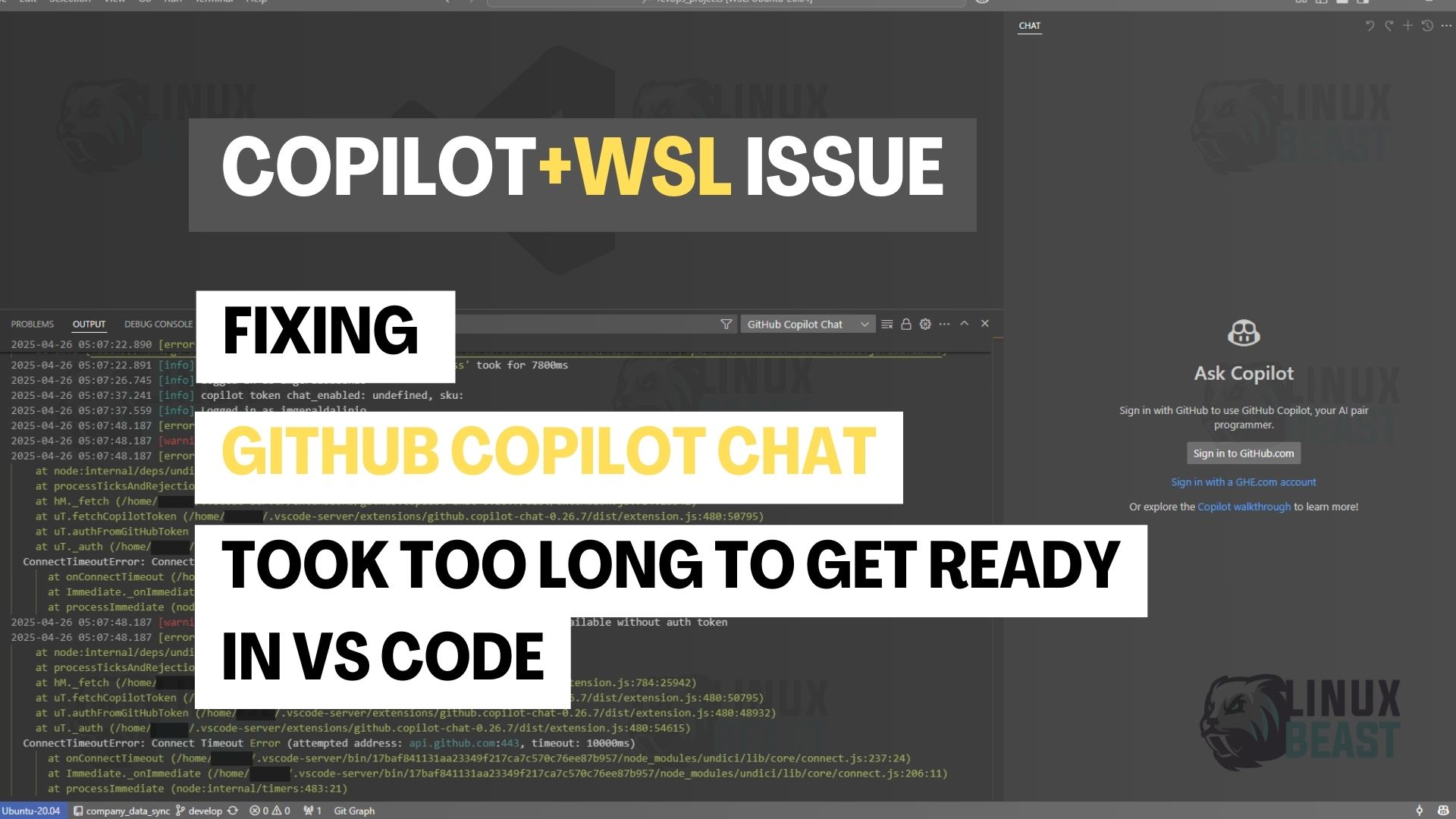
Fix GitHub Copilot Chat ‘Took Too Long to Get Ready’ in VS Code

March 9, 2026April 26, 2025
GitHub Copilot Chat Took Too Long to Get Ready

If GitHub Copilot Chat shows “Copilot took too long to get ready. Please try again.” in VS Code … Read more

Git

How to Combine All Commits into One with GitLens Interactive Rebase in VSCode

March 9, 2026May 17, 2024
How to Combine All Commits into One with GitLens Interactive Rebase in VSCode

Before opening a pull request, you’ll often want to squash multiple commits into one clean commit. Instead of … Read more

WSL & Windows

How to Connect Visual Studio Code with WSL 2 for Linux Ubuntu

March 9, 2026May 15, 2024
How to Connect Visual Studio Code with WSL 2 for Linux Ubuntu

VS Code can connect to WSL 2 and run directly inside your Linux environment. The terminal, file system, … Read more

Developer Tools

Fix Operation Not Permitted Error in VSCode Terminal on macOS

March 9, 2026April 13, 2024
How to Fix 'Operation Not Permitted' Error in VSCode Terminal on MacOS

If the VSCode integrated terminal throws Operation not permitted when you run basic commands like ls or cat, … Read more

© 2026 Linuxbeast • Built with GeneratePress
Manage Consent
To provide the best experiences, we use technologies like cookies to store and/or access device information. Consenting to these technologies will allow us to process data such as browsing behavior or unique IDs on this site. Not consenting or withdrawing consent, may adversely affect certain features and functions.
Functional Always active
The technical storage or access is strictly necessary for the legitimate purpose of enabling the use of a specific service explicitly requested by the subscriber or user, or for the sole purpose of carrying out the transmission of a communication over an electronic communications network.
Preferences
The technical storage or access is necessary for the legitimate purpose of storing preferences that are not requested by the subscriber or user.
Statistics
The technical storage or access that is used exclusively for statistical purposes. The technical storage or access that is used exclusively for anonymous statistical purposes. Without a subpoena, voluntary compliance on the part of your Internet Service Provider, or additional records from a third party, information stored or retrieved for this purpose alone cannot usually be used to identify you.
Marketing
The technical storage or access is required to create user profiles to send advertising, or to track the user on a website or across several websites for similar marketing purposes.
  • Manage options
  • Manage services
  • Manage {vendor_count} vendors
  • Read more about these purposes
View preferences
  • {title}
  • {title}
  • {title}