Skip to content
Linuxbeast
  • Home
  • Today in Tech
  • Who is Hiring?
  • About Me
  • Work With Me
  • Tools
    • DevOps Onboarding
    • AWS VPC Subnet Planner
    • Pag-IBIG Housing Loan Calculator
  • Contact
AllAWSWSL & WindowsGitProgrammingDatabaseDeveloper ToolsWeb ServersDevOpsNetworkingInfrastructure as Code

Ubuntu

Learn about Ubuntu Linux distribution and its features and server environments with Linuxbeast informative tutorials.

WSL & Windows

How to Make Resolve Config Changes Permanent in WSL 2

March 9, 2026May 31, 2024
How to Make Resolve Config Changes Permanent in WSL2

Every time WSL 2 restarts, it overwrites /etc/resolv.conf with DNS settings from your Windows host. If you’ve manually … Read more

Infrastructure as Code

How to Upgrade Terraform to a Specific Version

March 9, 2026May 30, 2024
How to Upgrade Terraform to a Specific Version

Sometimes you need a specific Terraform version — maybe a module requires it, or you’re matching what your … Read more

Infrastructure as Code

How to Configure Terraform on WSL Ubuntu for AWS Provisioning

March 9, 2026May 30, 2024
How to Configure Terraform on WSL Ubuntu for AWS Provisioning

This guide walks you through setting up Terraform on WSL Ubuntu so you can provision AWS resources from … Read more
AWS

How to Automate MySQL Database Backups on EC2 to Amazon S3

March 9, 2026May 17, 2024
How to Automate MySQL Database Backups on EC2 to Amazon S3

If you’re running MySQL on EC2, you need automated backups. A single disk failure or accidental DROP TABLE … Read more

AWS

How to Add and Delete Users on Ubuntu (EC2, WSL, or Any Server)

March 9, 2026May 16, 2024
How to Add and Delete Users on Ubuntu (EC2, WSL, or Any Server)

Managing user accounts is one of the first things you’ll do on a new server. Whether you’re setting … Read more
AWS

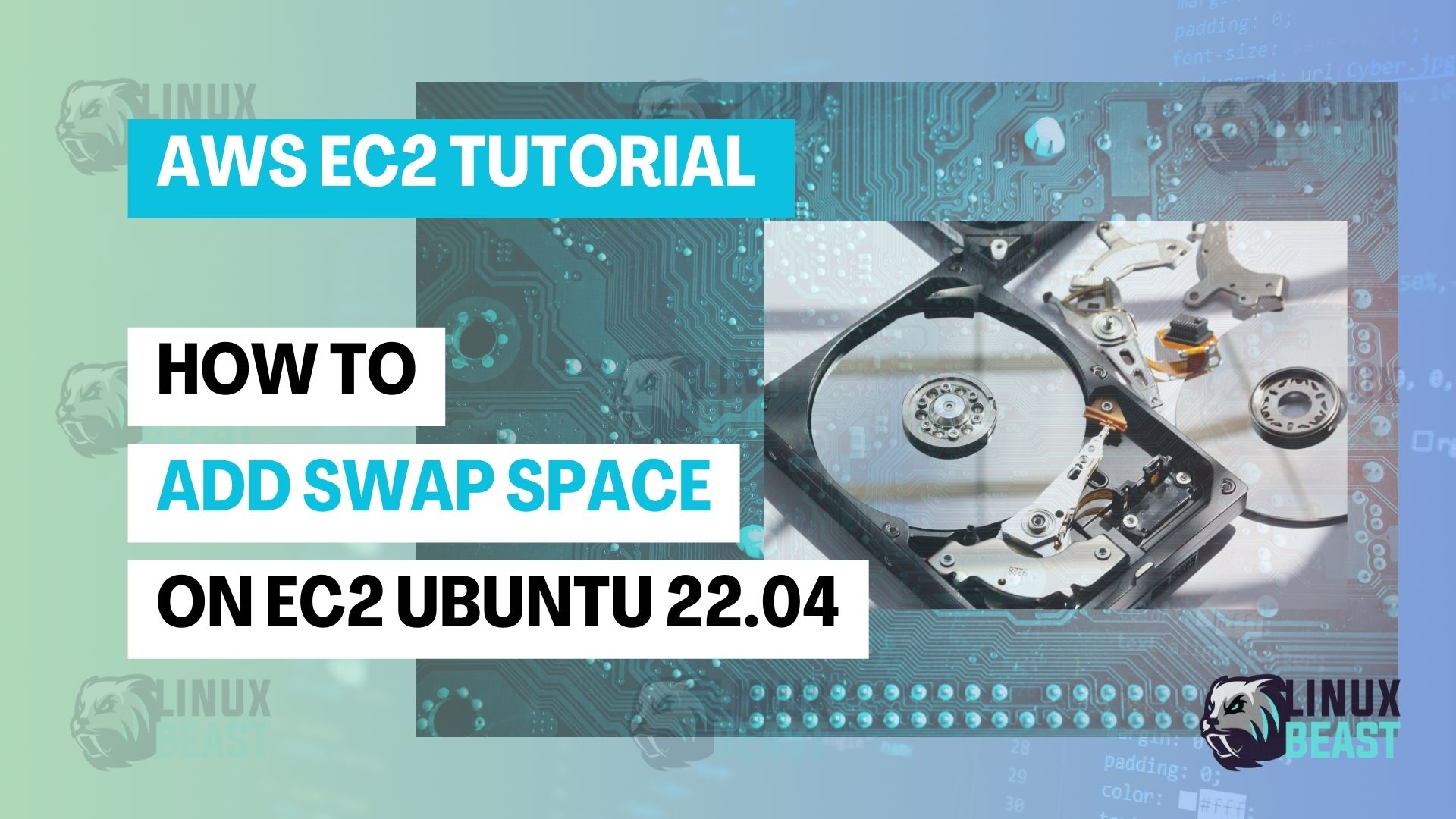
How to Add Swap Space on EC2 Ubuntu 22.04

March 9, 2026May 16, 2024
How to Add Swap Space on EC2 Ubuntu 22.04

EC2 instances don’t come with swap space configured. On small instances (t2.micro, t3.small), this means your applications can … Read more

WSL & Windows

How to Connect Visual Studio Code with WSL 2 for Linux Ubuntu

March 9, 2026May 15, 2024
How to Connect Visual Studio Code with WSL 2 for Linux Ubuntu

VS Code can connect to WSL 2 and run directly inside your Linux environment. The terminal, file system, … Read more
AWS

How to Setup Passwordless SSH Login on EC2 Ubuntu 22.04

March 9, 2026May 14, 2024
How to Setup Passwordless SSH Login on EC2 Ubuntu 22.04

Every time you SSH into an EC2 instance with a .pem key, you have to pass the -i … Read more
AWS

How to Copy Files to Amazon EC2 Ubuntu Instance Using Rsync

March 9, 2026May 3, 2024
How to Copy Files to Amazon EC2 Ubuntu Instance Using Rsync

Rsync is the fastest way to copy files between your local machine and an EC2 instance. Unlike scp, … Read more

Database

How to Install MongoDB Community Edition on an EC2 Ubuntu 22.04

March 9, 2026May 3, 2024
How to Install MongoDB Community Edition on an EC2 Ubuntu 22.04

This guide walks you through how to install MongoDB Community Edition on EC2 Ubuntu 22.04 using MongoDB’s official … Read more

Older posts
Newer posts
← Previous Page1 Page2 Page3 Page4 Next →
© 2026 Linuxbeast • Built with GeneratePress
Manage Consent
To provide the best experiences, we use technologies like cookies to store and/or access device information. Consenting to these technologies will allow us to process data such as browsing behavior or unique IDs on this site. Not consenting or withdrawing consent, may adversely affect certain features and functions.
Functional Always active
The technical storage or access is strictly necessary for the legitimate purpose of enabling the use of a specific service explicitly requested by the subscriber or user, or for the sole purpose of carrying out the transmission of a communication over an electronic communications network.
Preferences
The technical storage or access is necessary for the legitimate purpose of storing preferences that are not requested by the subscriber or user.
Statistics
The technical storage or access that is used exclusively for statistical purposes. The technical storage or access that is used exclusively for anonymous statistical purposes. Without a subpoena, voluntary compliance on the part of your Internet Service Provider, or additional records from a third party, information stored or retrieved for this purpose alone cannot usually be used to identify you.
Marketing
The technical storage or access is required to create user profiles to send advertising, or to track the user on a website or across several websites for similar marketing purposes.
  • Manage options
  • Manage services
  • Manage {vendor_count} vendors
  • Read more about these purposes
View preferences
  • {title}
  • {title}
  • {title}