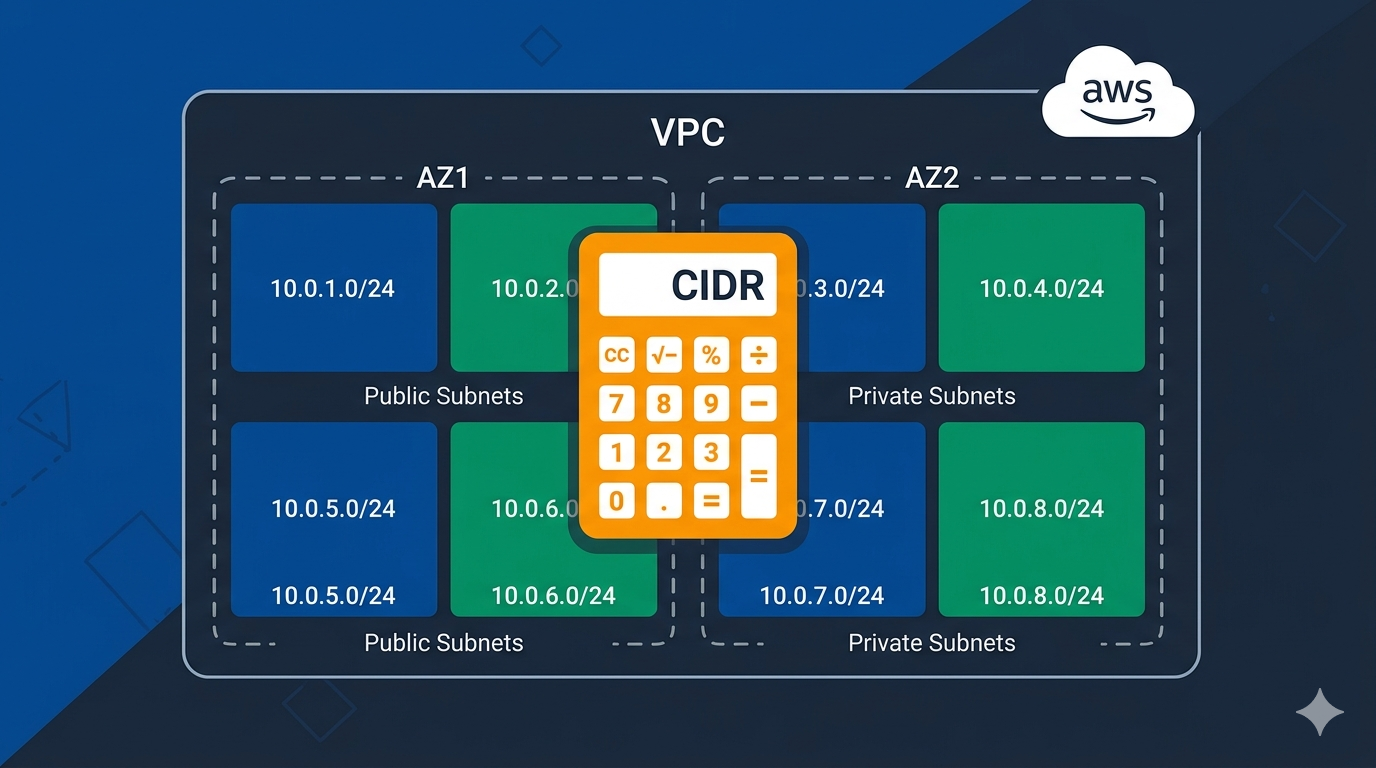
Planning AWS VPC subnets by hand is tedious. You need to split a CIDR block across multiple Availability Zones, separate public and private tiers, align subnet boundaries correctly, and account for the 5 IPs AWS reserves per subnet. One miscalculation and your subnets overlap or waste address space. I built the AWS VPC Subnet Planner to handle all of that automatically.
If you need background on how VPC addressing works, start with How to Design IP Addressing for Amazon VPC and Subnets first.
The Problem With Manual Subnet Planning
Every time you create a new VPC, you face the same questions: What CIDR should I use? How many subnets per AZ? What size for public vs. private? Is there room left for future growth?
Most engineers end up with a spreadsheet or a notepad full of IP calculations. The math itself is not hard — but it is repetitive, error-prone, and slow. Misaligned subnet boundaries cause deployment failures. Overlapping CIDR ranges cause routing problems when you later peer VPCs or connect to on-premise networks. If your ranges overlap, handling IP address overlapping becomes a real headache.
What the AWS VPC Subnet Planner Does
The VPC Subnet Planner takes your VPC CIDR block and generates a complete subnet layout in seconds. No sign-up, no install — it runs entirely in the browser.
Here is what it handles:
- CIDR input with validation — enter any RFC 1918 range from /16 to /28 and the tool validates it instantly
- Multi-AZ distribution — splits subnets evenly across 2 or 3 Availability Zones
- Tier separation — built-in public and private tiers, plus the ability to add custom tiers (database, cache, etc.)
- Auto or manual sizing — let the tool calculate optimal subnet sizes, or set each tier’s prefix length manually
- Reserved space for expansion — toggle to keep unallocated space for future subnets
- Contiguous block layout — groups each tier’s subnets together in the address space for cleaner routing
- AWS reserved IP accounting — shows both total and usable IPs per subnet (minus the 5 AWS reserves)
How to Use It
1. Enter Your VPC CIDR
Start with the CIDR block you want to use. For example, 10.20.0.0/16 gives you 65,536 IPs to work with. Optionally add a region prefix like ap-southeast-1 for clearer subnet naming.
2. Choose AZs and Tiers
Select 2 or 3 Availability Zones. Check which tiers you need — public and private are included by default. If you need additional tiers (like a dedicated database subnet), type the name and click + Add Tier.
3. Configure Sizing
Leave it on Auto Calculate for optimal sizing, or switch to manual mode to set each tier’s prefix length. Toggle Reserve space for future expansion if you want room to add subnets later without re-architecting.
4. Generate the Plan
Click Calculate Subnet Plan. The tool generates a full table showing every subnet: tier, AZ, name, CIDR, network address, first/last usable IP, broadcast address, total IPs, and usable IPs. A summary panel shows total, allocated, and unallocated IPs at a glance.
Visual Address Space Map
Below the table, a color-coded bar visualizes how your VPC address space is allocated. Public subnets show in blue, private in green, custom tiers in amber, and unallocated space in gray. You can see immediately if your layout is balanced or if one tier is consuming too much space.
Export Options
Once your plan looks right, export it in the format you need:
- Terraform — generates
aws_subnetresources ready to paste into your.tffiles. If you are using Terraform on WSL, see How to Configure Terraform on Windows 10 WSL Ubuntu for AWS Provisioning - AWS CLI — generates
aws ec2 create-subnetcommands you can run directly - JSON — structured data for scripts or automation pipelines
- Markdown — clean table format for documentation, wikis, or Confluence pages
- Print — printer-friendly layout for architecture reviews
Why I Built This
I have set up enough VPCs to know the pain of CIDR math. Every new environment meant opening a subnet calculator, manually splitting ranges, double-checking alignment, and hoping nothing overlapped. For multi-account setups where each account gets its own VPC, this gets old fast.
I built this tool with Claude AI using Claude Code CLI. The entire planner — CIDR math engine, subnet alignment logic, visual map, all five export formats — runs as a single HTML page with vanilla JavaScript. No backend, no dependencies, no sign-up. Just open it and plan.
When You Would Use This
- Setting up a new AWS environment from scratch
- Migrating workloads to a new VPC with a cleaner address layout
- Planning a multi-account Landing Zone where each account needs its own non-overlapping CIDR range
- Reviewing an existing VPC design to check for wasted space or alignment issues
- Generating Terraform or CLI commands instead of writing them by hand
- Documenting your network architecture for your team
Try It
The tool is free and runs entirely in your browser: AWS VPC Subnet Planner.
Watch My Video
If you are new to VPC networking, start with the guide on designing IP addressing for Amazon VPC and subnets to understand the concepts, then come back here to plan the actual layout.