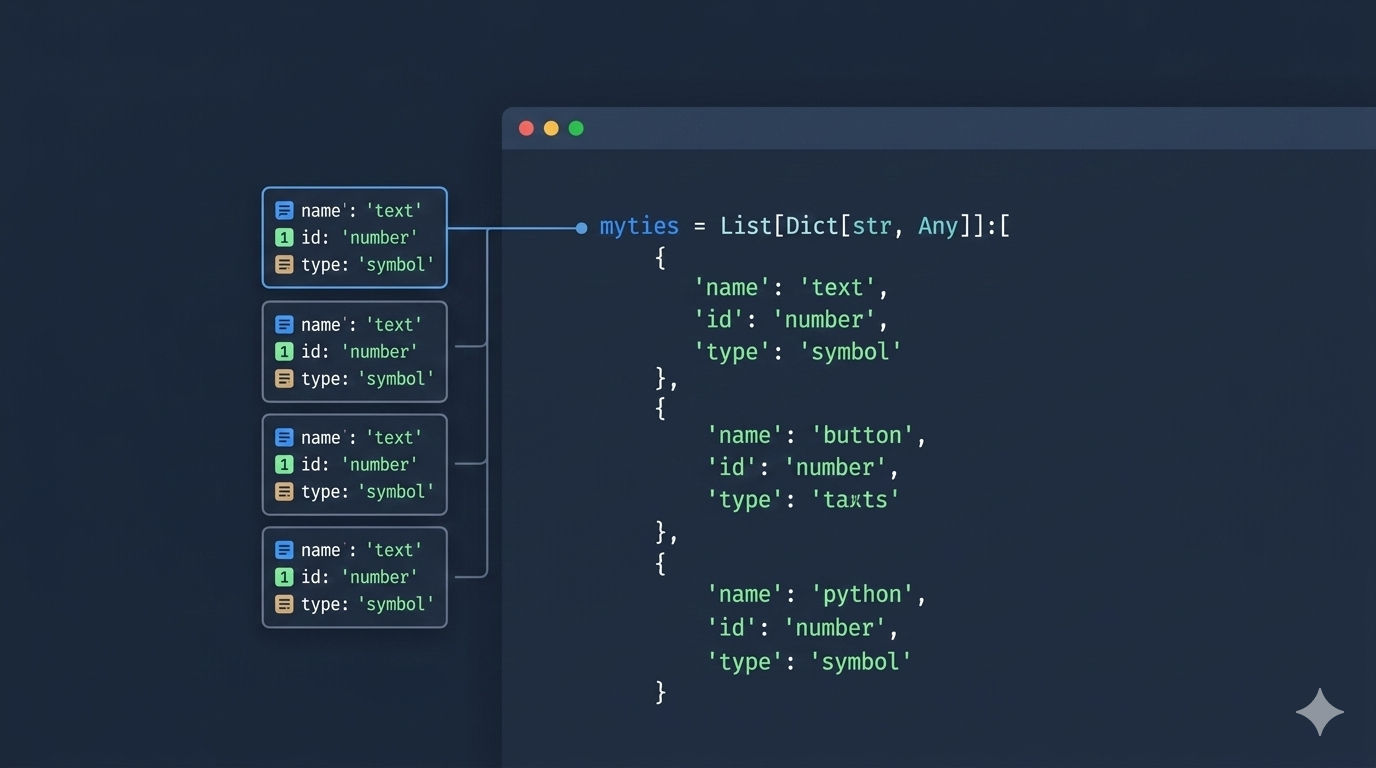
What Is List[Dict[str, Any]]?
List[Dict[str, Any]] is a Python type hint that describes a list of dictionaries where each dictionary has string keys and values of any type. You see it constantly in code that handles API responses, database rows, CSV data, or configuration files.
Here is what each part means:
List— a Python listDict[str, Any]— a dictionary withstrkeys and values that can be any type (str,int,bool,None, nested dicts, etc.)Any— a special type from thetypingmodule that accepts anything
A variable annotated as List[Dict[str, Any]] looks like this in practice:
users = [
    {"name": "Alice", "age": 30, "active": True},
    {"name": "Bob", "age": 25, "active": False},
]
How to Import and Use It
The imports depend on which Python version you are running.
Python 3.8 and Earlier
Import List, Dict, and Any from the typing module:
from typing import Any, Dict, List

def get_users() -> List[Dict[str, Any]]:
    return [
        {"name": "Alice", "age": 30},
        {"name": "Bob", "age": 25},
    ]
Python 3.9+
Starting with Python 3.9, built-in types like list and dict support subscripting directly. You only need to import Any:
from typing import Any

def get_users() -> list[dict[str, Any]]:
    return [
        {"name": "Alice", "age": 30},
        {"name": "Bob", "age": 25},
    ]
Use the lowercase list[dict[str, Any]] syntax if your project targets Python 3.9 or newer. It is cleaner and does not require extra imports. If you need to support older versions, stick with List[Dict[str, Any]] from typing.
When You Would Use This Type
You will run into List[Dict[str, Any]] whenever your code works with structured data that comes in as a list of records. Common scenarios:
- API responses — most REST APIs return JSON arrays of objects
- Database query results — rows returned as dictionaries from libraries like
psycopg2withRealDictCursor - CSV or spreadsheet data —
csv.DictReadergives you a list of dicts - Configuration files — YAML or JSON configs with repeated structures
- Batch processing — passing a collection of records to a function for transformation or upload
Practical Examples
Annotating a Function That Processes API Data
Suppose you fetch a list of users from an API and need to filter out inactive ones:
from typing import Any

def get_active_users(users: list[dict[str, Any]]) -> list[dict[str, Any]]:
    return [user for user in users if user.get("active")]


data = [
    {"name": "Alice", "age": 30, "active": True},
    {"name": "Bob", "age": 25, "active": False},
    {"name": "Carol", "age": 28, "active": True},
]

active = get_active_users(data)
print(active)
# [{'name': 'Alice', 'age': 30, 'active': True}, {'name': 'Carol', 'age': 28, 'active': True}]
The type hint tells anyone reading this code exactly what shape the data has — a list of dictionaries with string keys.
Typing a Variable
You can annotate variables directly. This is helpful when initializing an empty list that will be filled later:
from typing import Any

records: list[dict[str, Any]] = []

for i in range(5):
    records.append({"id": i, "value": i * 10})
Without the annotation, a type checker like mypy would not know what types records should contain until it sees the first .append() call.
Using It in a Lambda Function Handler
If you write AWS Lambda functions in Python, the event payload is often a list of dictionaries — for example, SQS batch records or DynamoDB stream events:
from typing import Any

def process_records(records: list[dict[str, Any]]) -> int:
    processed = 0
    for record in records:
        body = record.get("body", "")
        # process the record body
        processed += 1
    return processed
Using TypedDict for Stricter Typing
If every dictionary in your list has a known, fixed structure, TypedDict gives you stricter type checking than Dict[str, Any]:
from typing import TypedDict

class User(TypedDict):
    name: str
    age: int
    active: bool

def get_active_users(users: list[User]) -> list[User]:
    return [u for u in users if u["active"]]
With TypedDict, a type checker will flag errors like accessing user["email"] when email is not a defined key. Use Dict[str, Any] when the dictionary structure varies or is unknown, and TypedDict when you control the shape.
Running a Type Check with mypy
Type hints do nothing at runtime — Python ignores them. To actually catch type errors, run a static type checker like mypy.
Install it:
pip install mypyThen check your file:
mypy your_script.pyIf there are no type errors, the output is:
Success: no issues found in 1 source fileIf you pass the wrong type — say, a plain dict instead of a list of dicts — mypy catches it before the code runs. Tools like Flake8 and Black handle code style, while mypy handles type correctness. Together they cover most code quality checks.
Common Mistakes
Using dict Instead of Dict on Python 3.8
If you write list[dict[str, Any]] on Python 3.8 or earlier, you get a TypeError:
TypeError: 'type' object is not subscriptableFix: use from typing import List, Dict and write List[Dict[str, Any]] instead. Or upgrade to Python 3.9+. If you need the lowercase syntax while still supporting 3.8, add this import at the top of the file:
from __future__ import annotationsThis makes all annotations strings at runtime, so list[dict[str, Any]] works even on 3.8. You can manage multiple Python versions on the same machine with pyenv on WSL Ubuntu.
Forgetting to Import Any
Any is not a built-in — it must be imported from typing:
# Wrong - NameError
def process(data: list[dict[str, Any]]) -> None: ...

# Correct
from typing import Any
def process(data: list[dict[str, Any]]) -> None: ...
Overusing Any
Annotating everything as Any defeats the purpose of type hints. If you know the value types, be specific:
# Too broad
config: list[dict[str, Any]]

# Better when you know the shape
config: list[dict[str, str | int | bool]]
Use Any only when the values genuinely vary or come from an external source you do not control.
Quick Reference
| Type Hint | Meaning |
|---|---|
list[dict[str, Any]] |
List of dicts with string keys, any value type |
list[dict[str, str]] |
List of dicts with string keys and string values only |
list[dict[str, int]] |
List of dicts with string keys and integer values only |
list[dict[str, str | None]] |
List of dicts with string keys and values that are either string or None |
dict[str, list[dict[str, Any]]] |
A dict whose values are lists of dicts (nested, common in API responses) |
Conclusion
List[Dict[str, Any]] is the standard way to type-annotate a list of dictionaries in Python. Use the uppercase List/Dict imports for Python 3.8 and below, and the lowercase list/dict syntax for 3.9+. When your dictionaries have a fixed structure, switch to TypedDict for stricter checks.
If you want to enforce these types in your codebase, set up pre-commit hooks to run mypy automatically before every commit.